Most website companies ship an update, write a press release about it, and take a nap until spring.
We didn't nap. In the last 30 days we pushed more than 100 changes to OwnerWebs. Some are big enough to change how you run your rental. Some are small enough that you'd never notice, until you'd miss them. And a few of them came straight from owners who messaged me with "hey, can it do this?"
Here's what's new, so you can see what's waiting in your dashboard right now.
Your Website Can Now Build Itself
Let's start with the one that that is the embodiment of OwnerWebs - your website can build itself.
Paste a link, get a website. Drop in your Airbnb link, your VRBO link, or even the website you already have on Square, Wix, Hostinger or WordPress. OwnerWebs reads it and builds the whole site for you: name, description, rooms and beds, amenities, house rules, check-in details, FAQs, a map pin and your photos. You can paste up to three links at once, and it blends them into one site.
It even puts your photos in the order a good listing uses. The best outside or view shot goes first, then the living room, kitchen, bedrooms and baths, the hot tub and outdoor spaces, and the laundry room last, where it belongs.
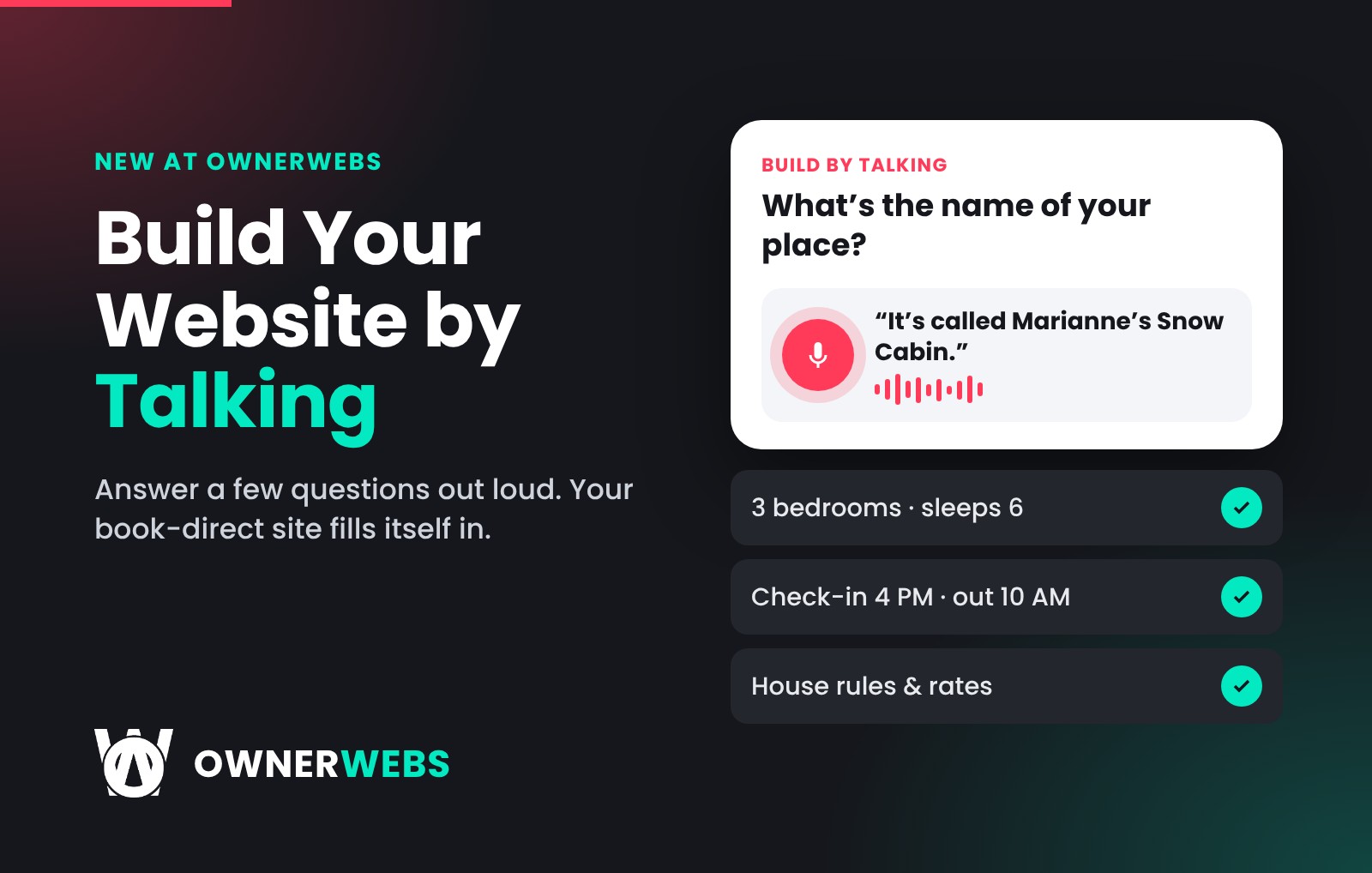
Rather talk than type? Build by talking asks you one question at a time. Answer out loud with your phone's microphone, or type if you're in a quiet coffee shop, and your website fills itself in as you go.
A few more things made building easier:
- A Getting Started checklist so you always know the next step
- A live preview of your real website right inside the editor
- Drag-and-drop photos and videos, with drag-to-reorder and a Deleted folder in case you change your mind
- Real video uploads (MP4 and MOV), not just YouTube links
- Sofa sleepers now count as beds, because Aunt Linda absolutely is sleeping on that pull-out
- Several properties on one website, each with its own pages and a menu to move between them
- Your map location fills in on its own from your address
See Your Site Live Before You Even Buy a Domain
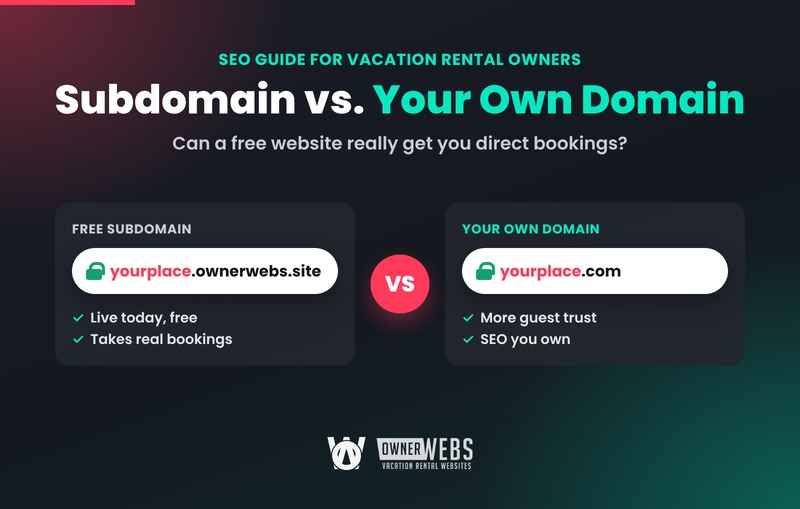
Every OwnerWebs site now gets its own address, like yourplace.ownerwebs.site, the moment you start building. You can open it on your phone, show your spouse, and text it to your cleaning crew before you've connected a domain.
When you're ready for your real domain, connect it, and visitors are forwarded there automatically. The early address stays hidden from Google until your site is finished, so nobody stumbles onto a half-built page.
A Booking Calendar Guests Actually Enjoy
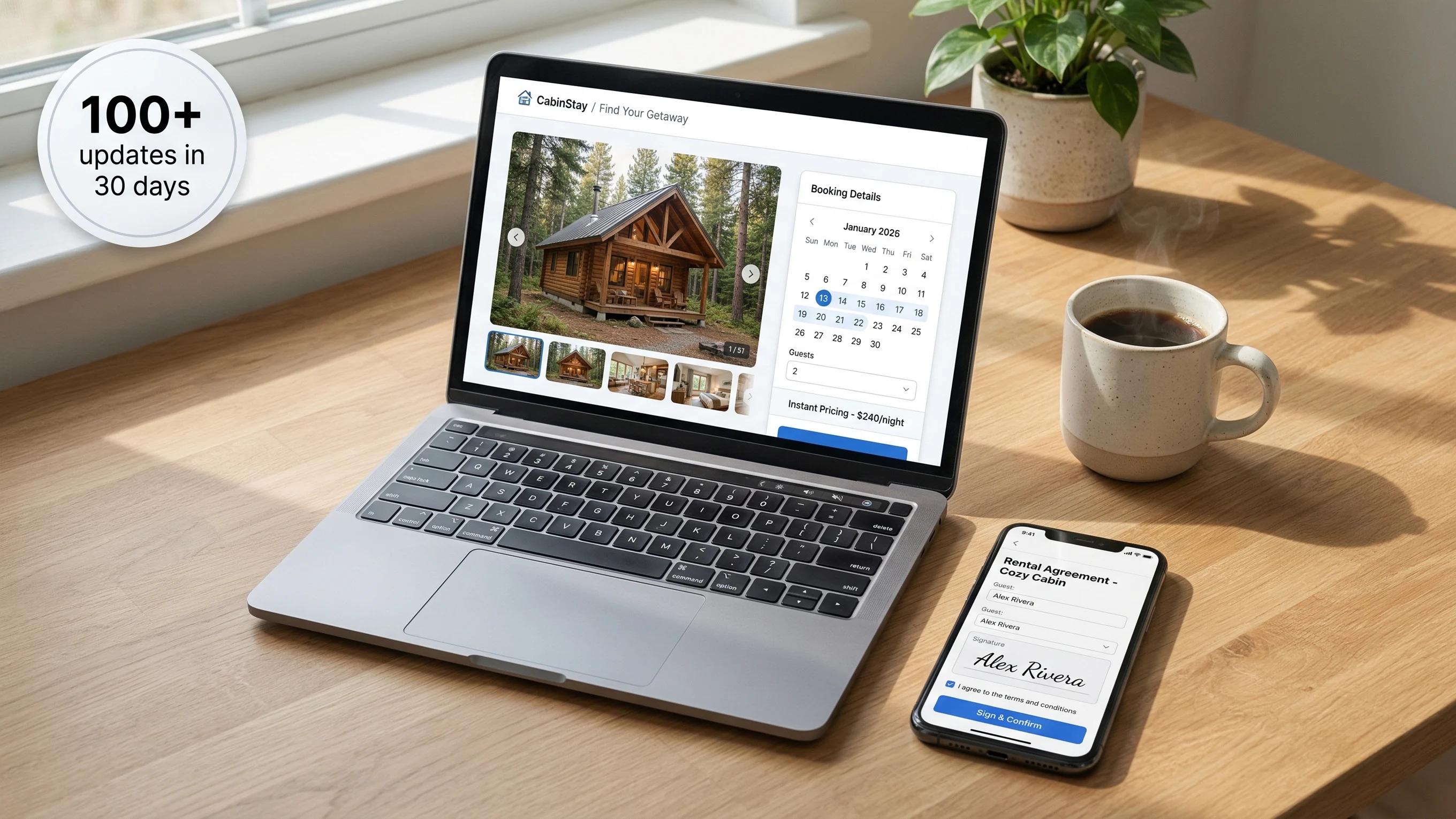
Guests now tap a check-in day, tap a check-out day, and see their price instantly. No forms, no guessing, no "let me get back to you."
And you get rules. Lots of rules:
- Minimum nights by date: 3 nights over July 4th, 2 nights the rest of the summer
- No check-in or no check-out days, like Saturday-only check-in or no check-outs on Christmas
- How far ahead guests can book
- Time between bookings: require 1, 2 or 3 open nights between guests
- Same-day check-in, if your crew can turn it around
Your rules hold everywhere: on the calendar, in the price quote and at checkout. A guest can't sneak a one-night stay through the side door.
Your Calendar Tells You Who's Coming (and From Where)
Your Rates and Block calendars now show each stay as a colored bar, labeled by where it came from: your own website, Airbnb, VRBO or your own blocks. You can tell at a glance where your bookings come from.
Booked nights are locked so you can't accidentally reprice them. If two bookings ever overlap, you'll get a double-booking warning. And those "Not available" holds Airbnb sends? We filter them out so they don't clutter your calendar or your cleaning schedule.
The Reservations tab got a full makeover too:
- A next-guest banner and quick stats
- Upcoming and past views, filters and search
- A full page for each reservation, where you tap to call, text or email the guest
- A log of every email that guest has been sent
- A note for your cleaning crew on each stay
Rental Agreements, Signed Online
This one owners asked for, and it's here.
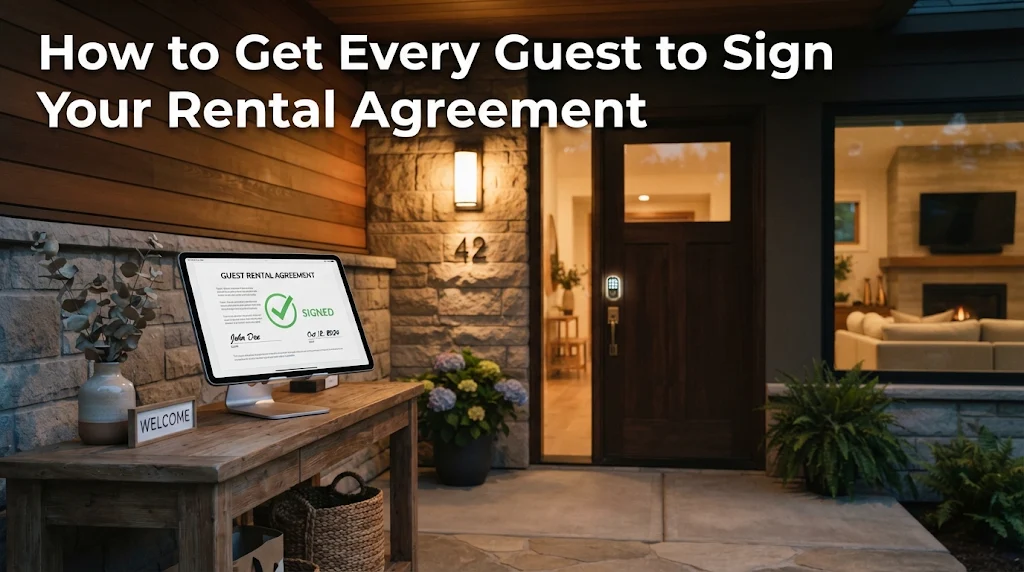
Upload your rental agreement as Word, PDF or plain text. OwnerWebs puts it on your website word for word. We don't reword your legal document.
Then send it to your guest. They read it, type their name, check "I agree," and they're done. They can fill in the phone number and address Airbnb never shares with you. You can watch it go from Sent to Opened to Signed, and the guest gets a signed copy by email.
You can set it to go out automatically when someone books on your website. And once it's signed, your check-in instructions can go out on their own, right after signing or a set number of days before arrival. There's also a "Send a test to me" button, so you can see exactly what your guest gets.
Your Cleaning Crew Gets Their Own Schedule
Give your crew one link. They'll see every check-out, how long they have until the next guest, same-day turnovers, and any note you left them. They won't see guest names or prices, which is none of their business.
It's printable, and if you manage several rentals, your crew can switch between them.
Reviews: Bring Them Home
Your best reviews are sitting on Airbnb, VRBO and Google, making them look good. Now they can make you look good.
- Import my reviews pulls them from VRBO, Airbnb and Google, guest photos included, and you pick which ones show
- A "Reviewed on" label shows where each review came from
- A new Reviews page on your website, with star bars, filters, a photo viewer and "Load more"
- A Leave-a-review page where guests write reviews and add photos right on your site, with your OK before anything goes live
- A ready-to-send review link to text or email past guests
Only reviews left on your own website count toward your star rating in Google. That's how Google wants it, and it keeps your stars honest.
Know What Your Rental Actually Makes
The new Expenses tab is receipt tracking built right into your OwnerWebs dashboard.
Snap a picture of a receipt with your phone and OwnerWebs reads it for you. Add your Airbnb and VRBO payouts. You'll see your income, expenses and profit for the year, sorted by tax category, ready for whoever does your taxes.
No shoebox. No spreadsheet you swore you'd update every month.
Turn Past Guests Into Repeat Guests
Your past guests already loved your place. Email your guests lets you invite them back.
- Guests who booked on your website are added for you automatically
- You can import your own guest list too
- See who opened and who clicked
- Guests can unsubscribe with one click in Gmail, Yahoo and Apple Mail, which keeps your emails out of spam
A repeat guest who books direct is the cheapest booking you'll ever get.
Get Found on Google (and by AI)
- The blog editor now has every SEO field: Google title, description, excerpt, category, tags, focus key phrases and image alt text. Each one comes with a plain-English note on what it does.
- Your blog posts can hold real videos, and Google gets the details it needs to show them in search.
- Your website now tells Google it's a vacation rental, with your beds, rooms and the right details filled in.
- Every site has an llms.txt file, a guide that AI assistants like ChatGPT and Perplexity can read. Your phone number, email and street address are left out.
- Your website can hand AI assistants verified price quotes they can check, using the same prices and rules as your booking calendar. When travelers start asking an AI to find them a cabin, your rental is ready.
A Traffic Report for Your Website
Wondering if anyone's visiting? Now you can see it:
- Visitors and page views
- Where your visitors come from, and the sites that link to you
- Your top pages, and phones versus computers
Bots are counted separately, and broken out by type, so the numbers you see are real people. That even includes the AI bots crawling your site.
A Fresh Coat of Paint for Guests
Your website got a new look up top: a photo grid that opens into a full-screen slideshow, quick-fact tags, a price and booking card, and a Book Now bar that stays on screen on phones. Photos no longer get cropped on phones. There's a new Amenities page built from what you pick, a new footer, and "Text" buttons for guests on their phones.
What to Do Next
Log in to your [OwnerWebs dashboard] and poke around. Start with three things:
- Set your stay rules on the Rates calendar
- Click Import my reviews
- Upload your rental agreement
Don't have an OwnerWebs site yet? Paste your Airbnb or VRBO link into [Build from a listing] and watch your website build itself. It takes a few minutes, and there's 0% commission on any paid plan.
And if there's something you wish your website did, message me. Half of what's on this list started that way.
Frequently Asked Questions
What's new on OwnerWebs this month?
Can OwnerWebs build my website from my Airbnb or VRBO listing?
Can guests sign my rental agreement online?
Can I bring my Airbnb and VRBO reviews to my own website?
Does OwnerWebs track rental expenses?
Can I see my OwnerWebs website before I buy a domain?
Can I set minimum nights for holidays or certain dates?
Does OwnerWebs send check-in instructions to guests automatically?
Can I email my past guests from OwnerWebs?
How do I know if people are visiting my vacation rental website?

Matthew Thompson
Matthew Thompson is a licensed employing real estate broker in Louisiana and Colorado, with twenty years of experience in the vacation rental home industry. He holds a degree in Chemical Engineering from Louisiana Tech University and is also the developer and founder of OwnerWebs.com, a vacation rental website builder. View his professional profile